


How To Navigate The Future Wallet?
数据采集分析师一牛市长
Updated at: 10 months ago
How To Navigate The Future Wallet?
Future Trading on BitTNT is one of the most profitable methods of trading for all users. With Future Trading, users have the option to take leverage from the BitTNT exchange, and open bigger future positions than their actual funds in the Margin Wallet. But before starting Future Trade, users must learn how to navigate their BitTNT Future Wallet. Follow this guide to learn how to navigate the Futute Wallet.
For BitTNT Website Users
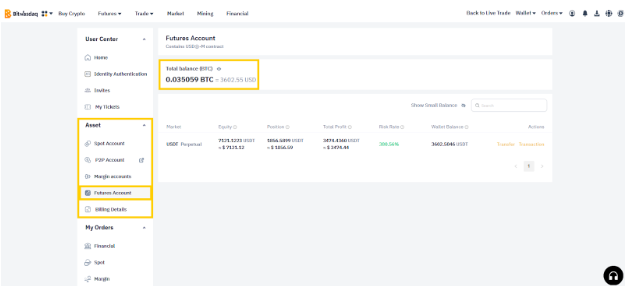
For BitTNT website users, they can access their Future Wallet in their account dashboard under the asset section. BitTNT only allows users to keep USDT in their Future Wallet as of now. There are following information available in the Future Wallet on web:
-
The total balance available in ratio of BTC or traders selected fiat currency.
-
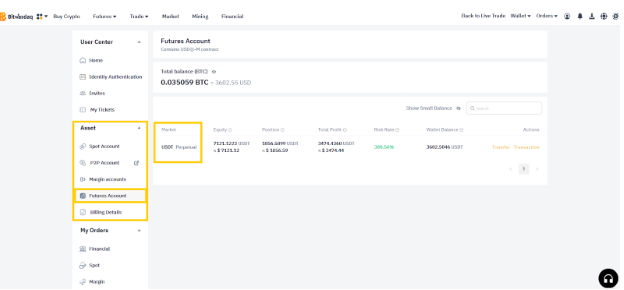
Next there is the Market section, which gives information on which perpetual coin traders have.
-
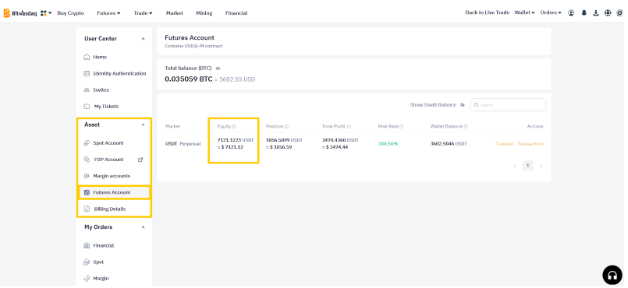
Next is the Equity section, Equity is Account equity = unrealized profit and loss + usable margin + position margin + frozen guarantee.
-
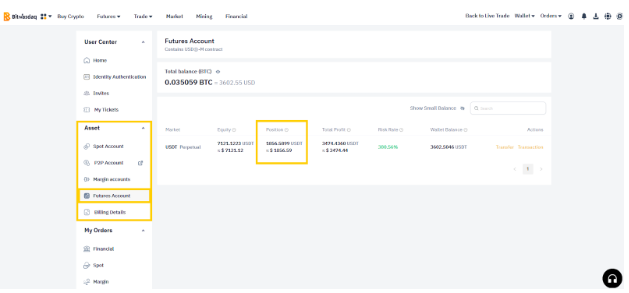
Next is the Position section, where Position = The margin required for all current positions of the user.
-
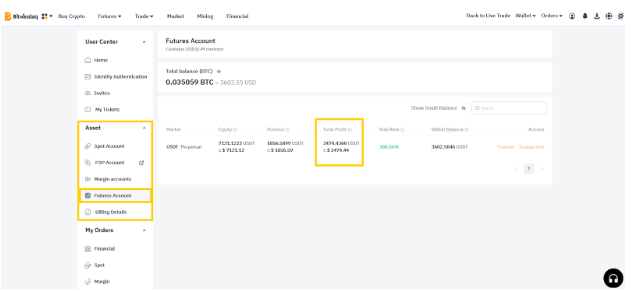
Next is the Total Profit, where Total Profit = realized profit and loss + unrealized profit and loss.
-
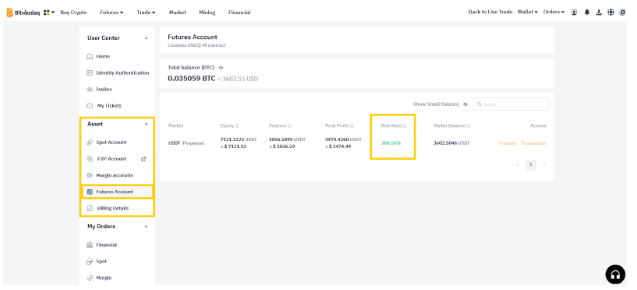
Next is the Risk Rate, this information tells traders about the liquidation risk of their trades. Risk Rate = The lower the margin rate, the higher the risk When the margin rate is lower than 0%, your position will be forcibly closed by the system. Liqui. Price = When the risk rate is 0, trigger liquidation price.
-
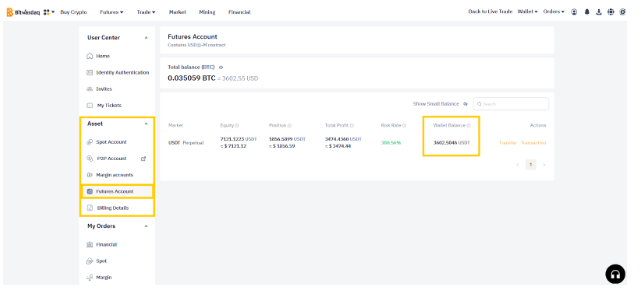
Next is the Wallet Balance, where wallet balance = available margin + position margin + frozen margin.
-
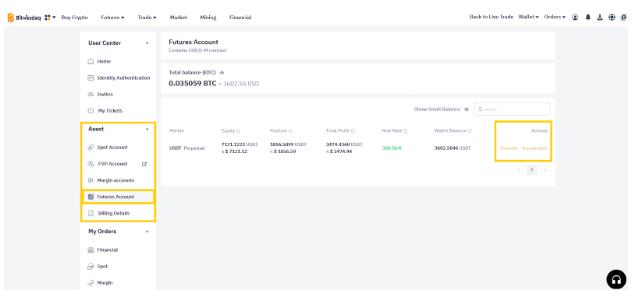
And lastly, traders have the action option for transfer or transaction. Transfer opens the option for internal wallet transfer and transaction opens the Future Trade interface.
For BitTNT App Users
For BitTNT app users, they can access their Future Wallet in the Wallets tab. Inside the Wallet tab, tap on Future to open Future Wallet. BitTNT only allows users to keep USDT in their Future Wallet as of now. There are following information available in the Future Wallet on app:
-
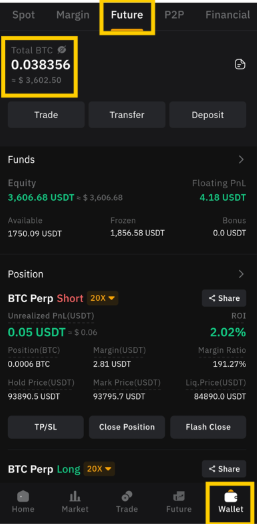
The total balance available in ratio of BTC or traders selected fiat currency.
-
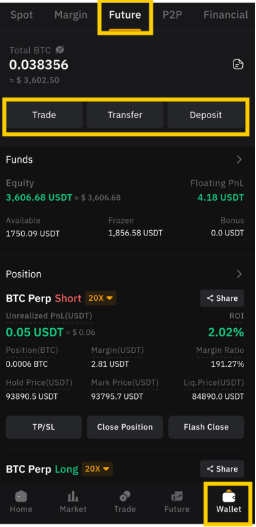
Next are the action options available for Trade, Transfer, and Deposit. Trade will take users to Future Trade interface, Transfer will take users to the internal wallet funds transfer tab, whereas Deposit will take users to the funds deposit tab where users can deposit assets in their Future wallet from any external wallet.
-
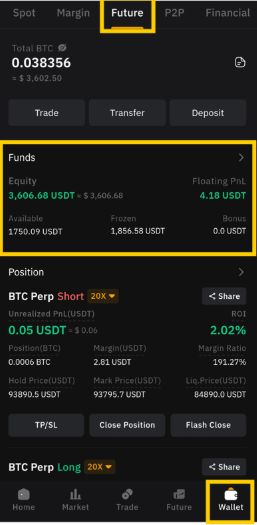
Then are the funds details section, where traders can view their Equity, their PnL, their available balance, their frozen balance which is the balance locked in trade, and their bonus.
-
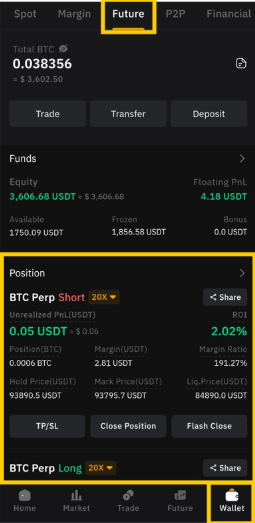
Next is the Positions section, where traders can view all their current open positions on the Future Market.
And there you have it, a complete navigation for the Future Wallet of users on BitTNT. Happy Trading!